> ## Documentation Index
> Fetch the complete documentation index at: https://trigger-v3-fix-additional-files.mintlify.site/llms.txt
> Use this file to discover all available pages before exploring further.
# Testing Jobs
> You can test Jobs from the dashboard.
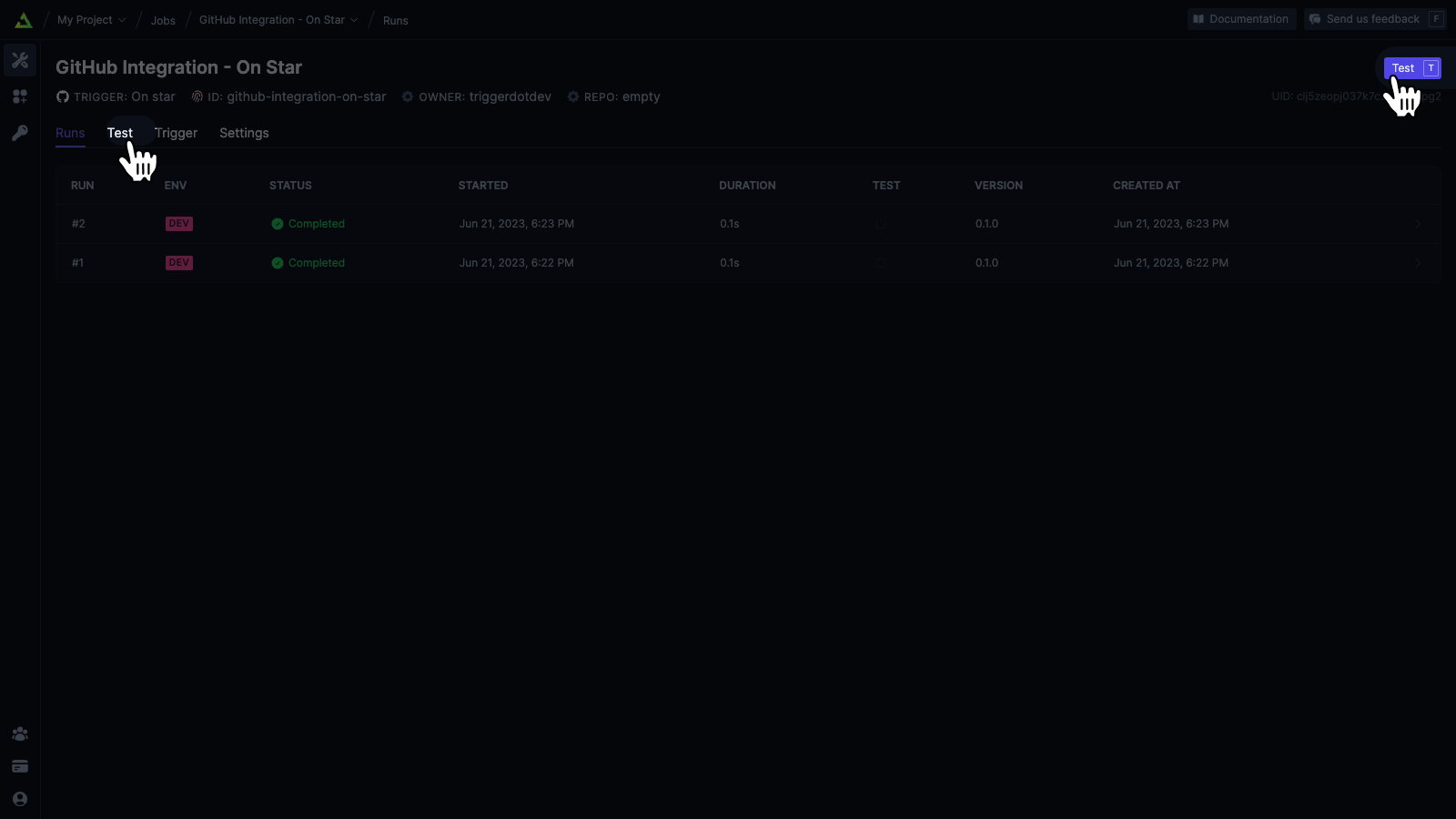
There's a tab on the Job page called **Test**. Or you can click the "Test" button in the top right of the page.
## Your options when Testing
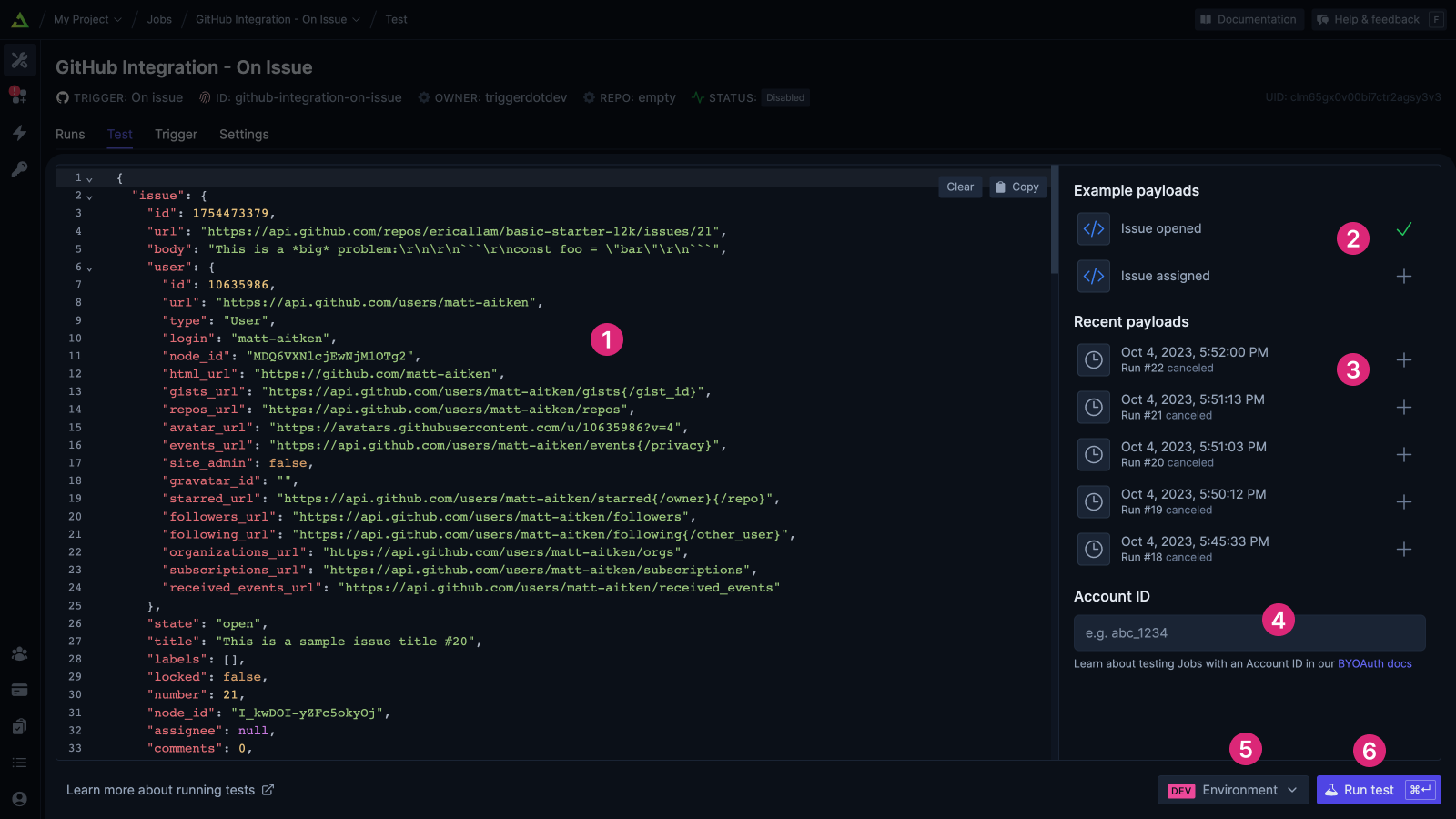
You will see errors inline if you have any syntax errors. You can use the *Clear* and *Copy*
buttons in the corner.
Some Triggers provide example payloads that you can select from. When selected they will
populate the code editor below.
If you have previously done Runs, you can select from the most recent payloads. When selected
they will populate the code editor below.
If this Job has associated Accounts, enter an Account ID. See [testing with account
ids](/documentation/guides/using-integrations-byo-auth#testing-jobs-with-account-id) for more
information.
Select the environment you'd like the test to run against.
When you're happy with the payload, click **Run test**. Or press the shortcut key: `Cmd + Enter`
on Mac, `Ctrl + Enter` on Windows.
## Identifying test runs
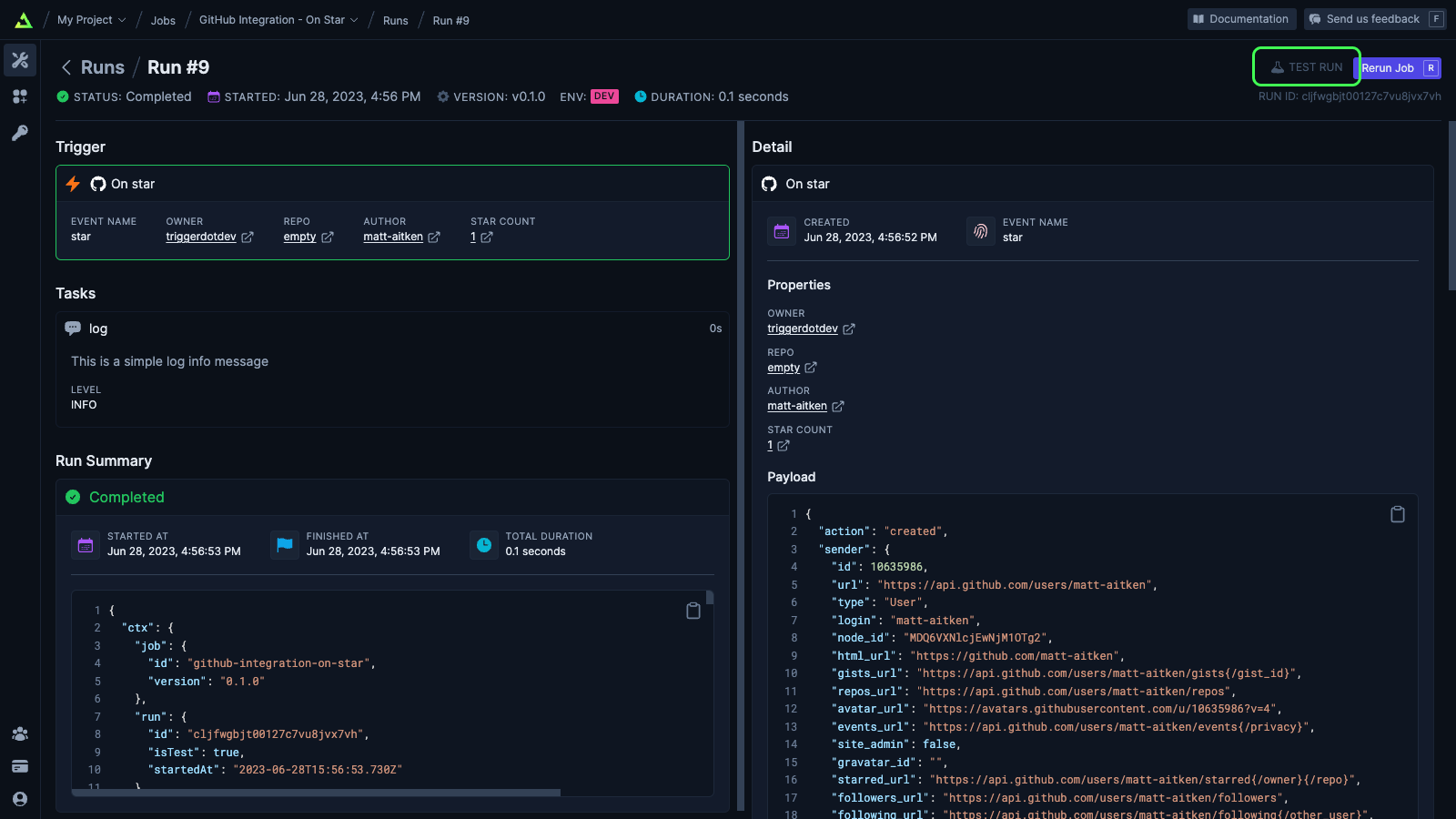
Tests have a label in the top-right of the Run page and a tick in the Test column of the Runs list.