

In the dashboard
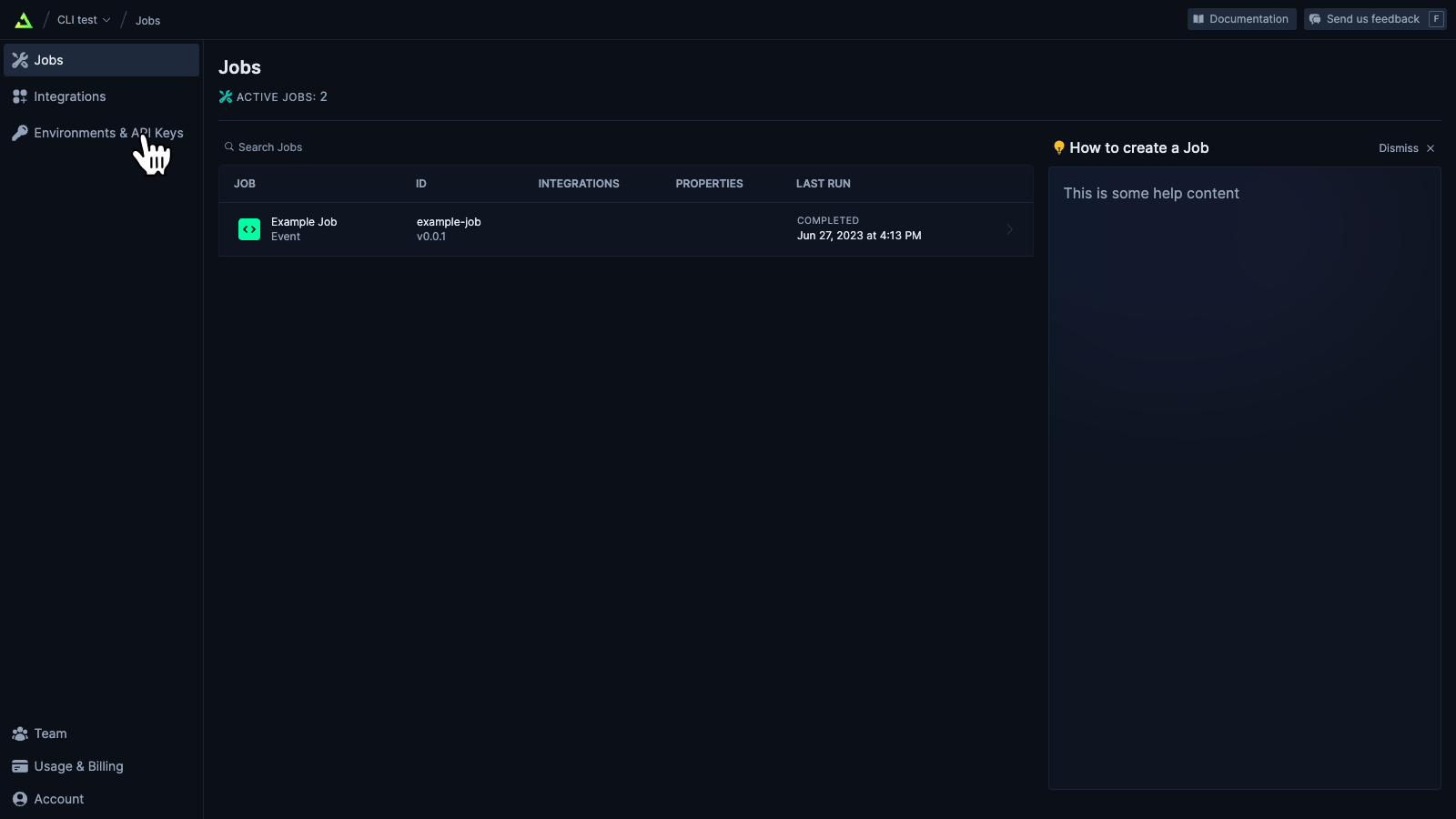
- Go to the “Environments & API Keys” page in your Trigger.dev dashboard
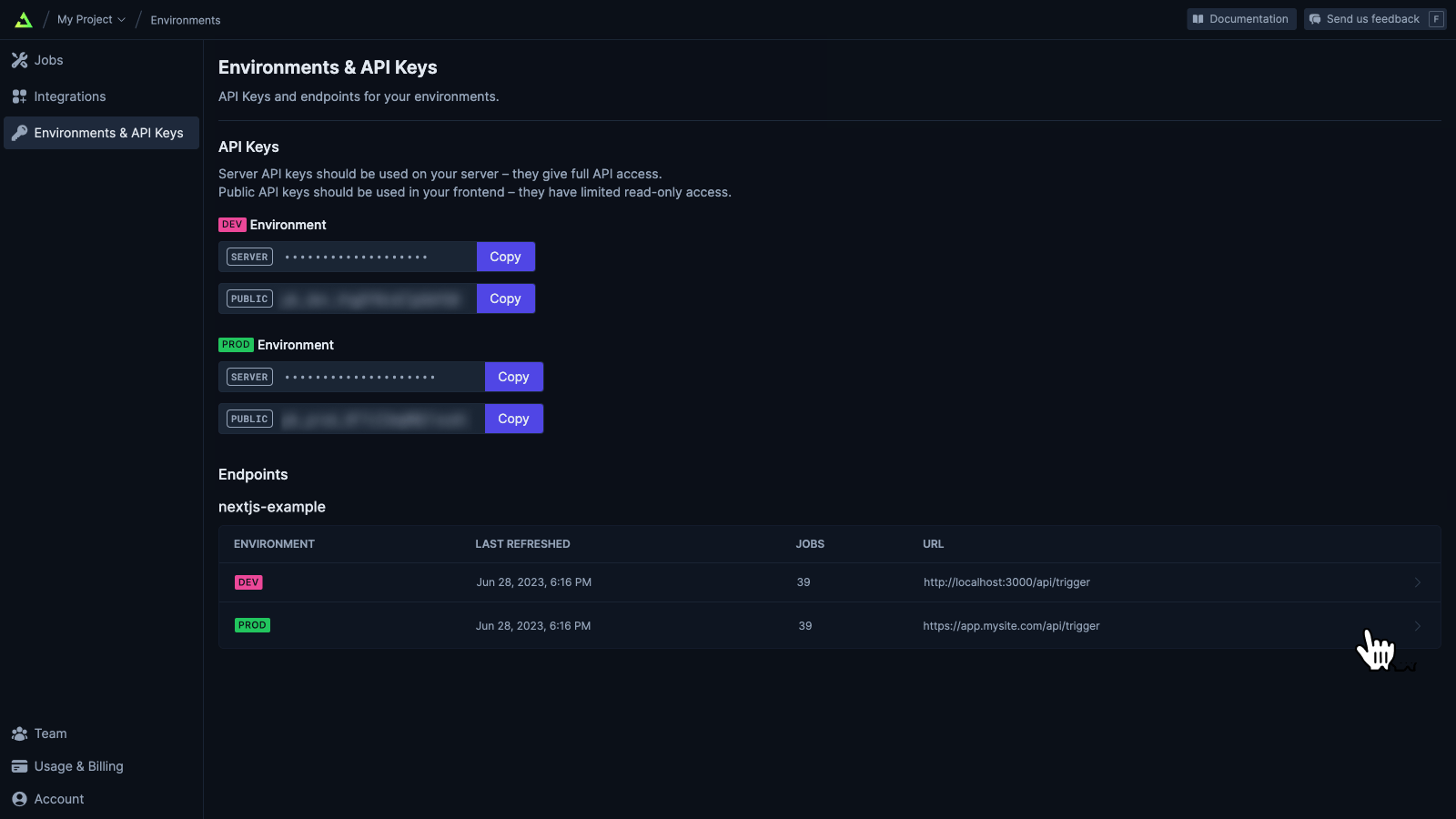
- Select your endpoint row in the table of endpoints.
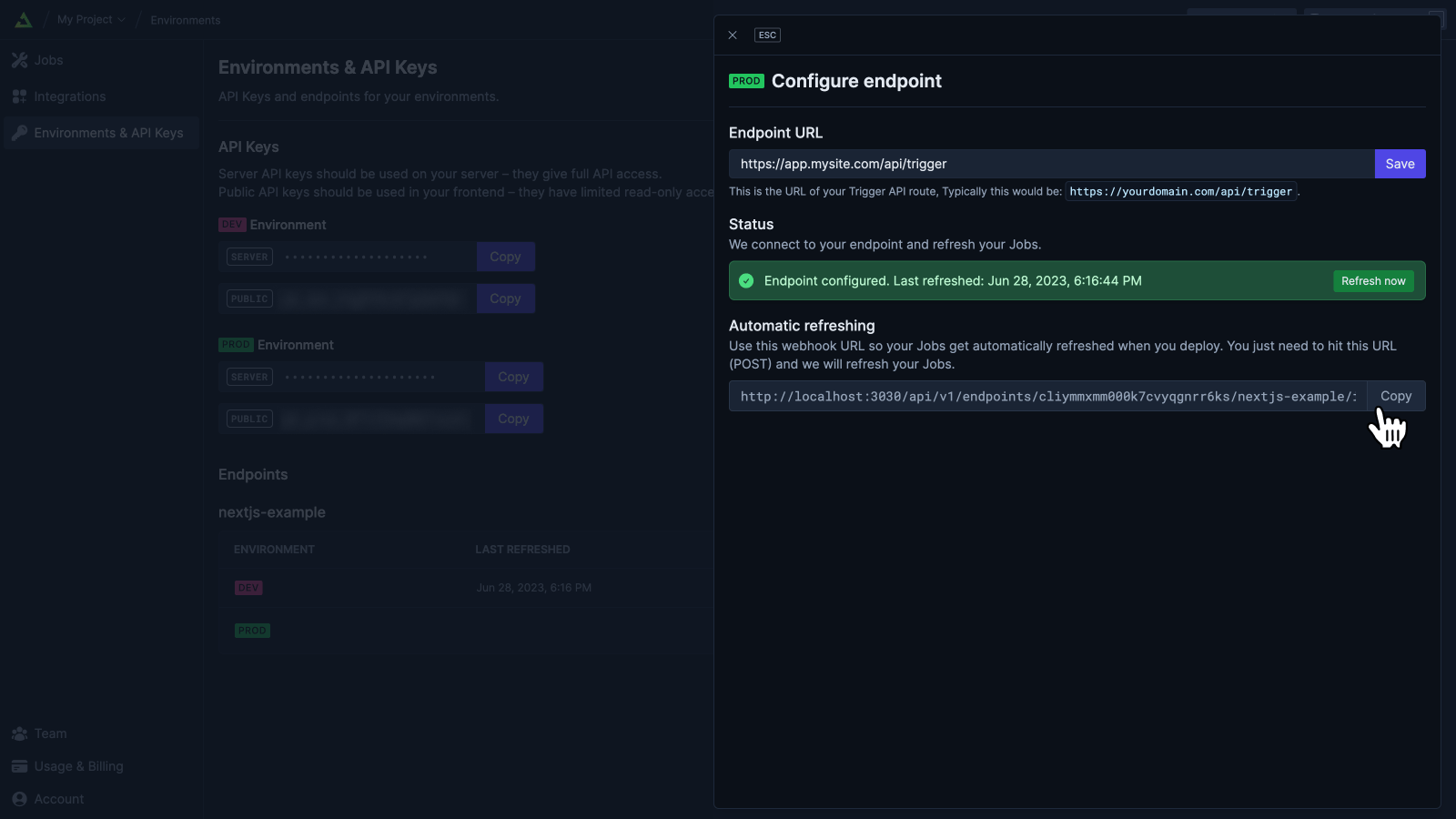
- There is a webhook URL in the “Automatic Refresh” section. Copy this URL.
How to use the webhook URL
Vercel
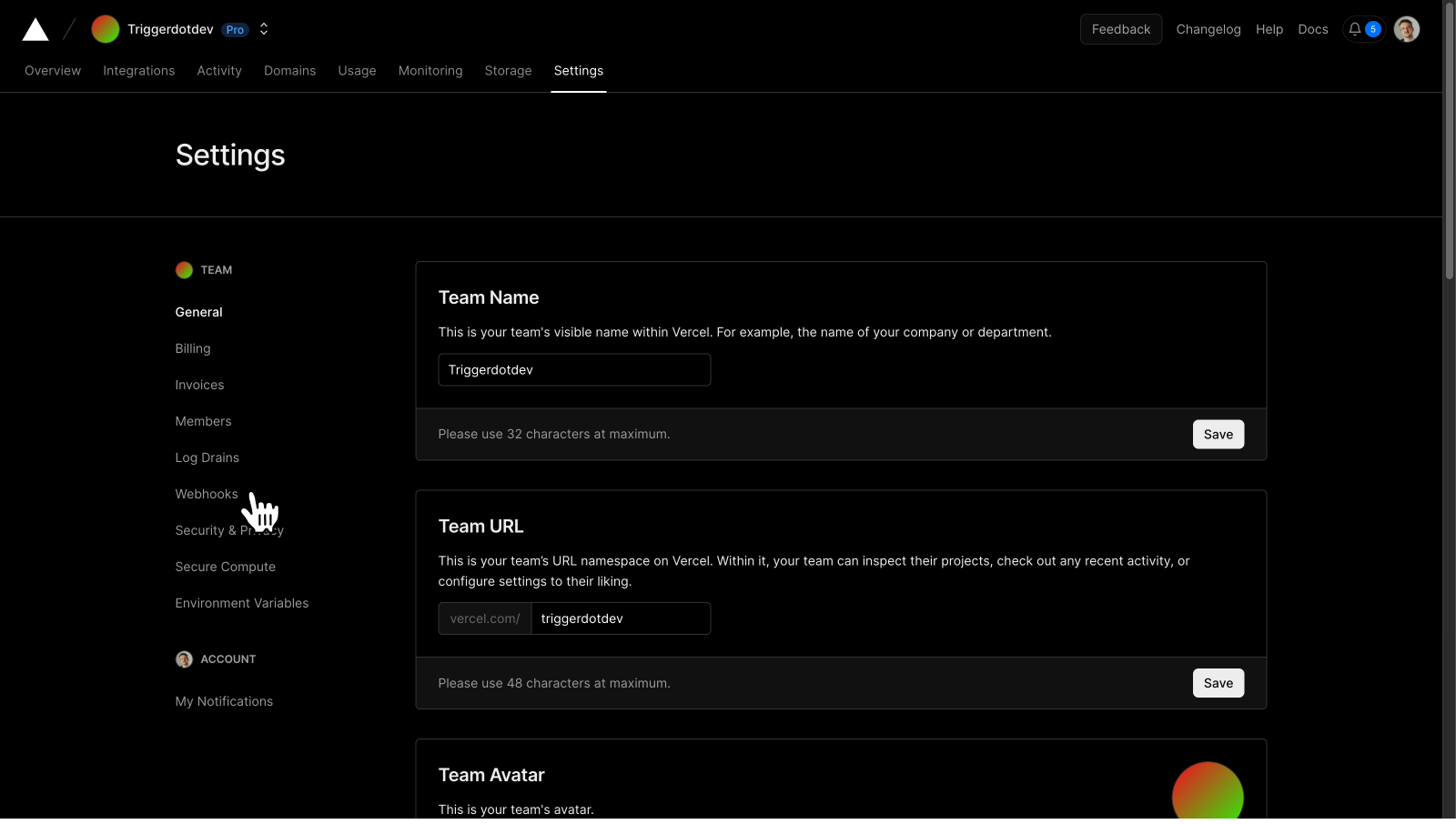
You can use this webhook URL in your Vercel dashboard, so when a deployment succeeds it automatically refreshes the endpoint.- From your Vercel team dashboard, select “Settings”
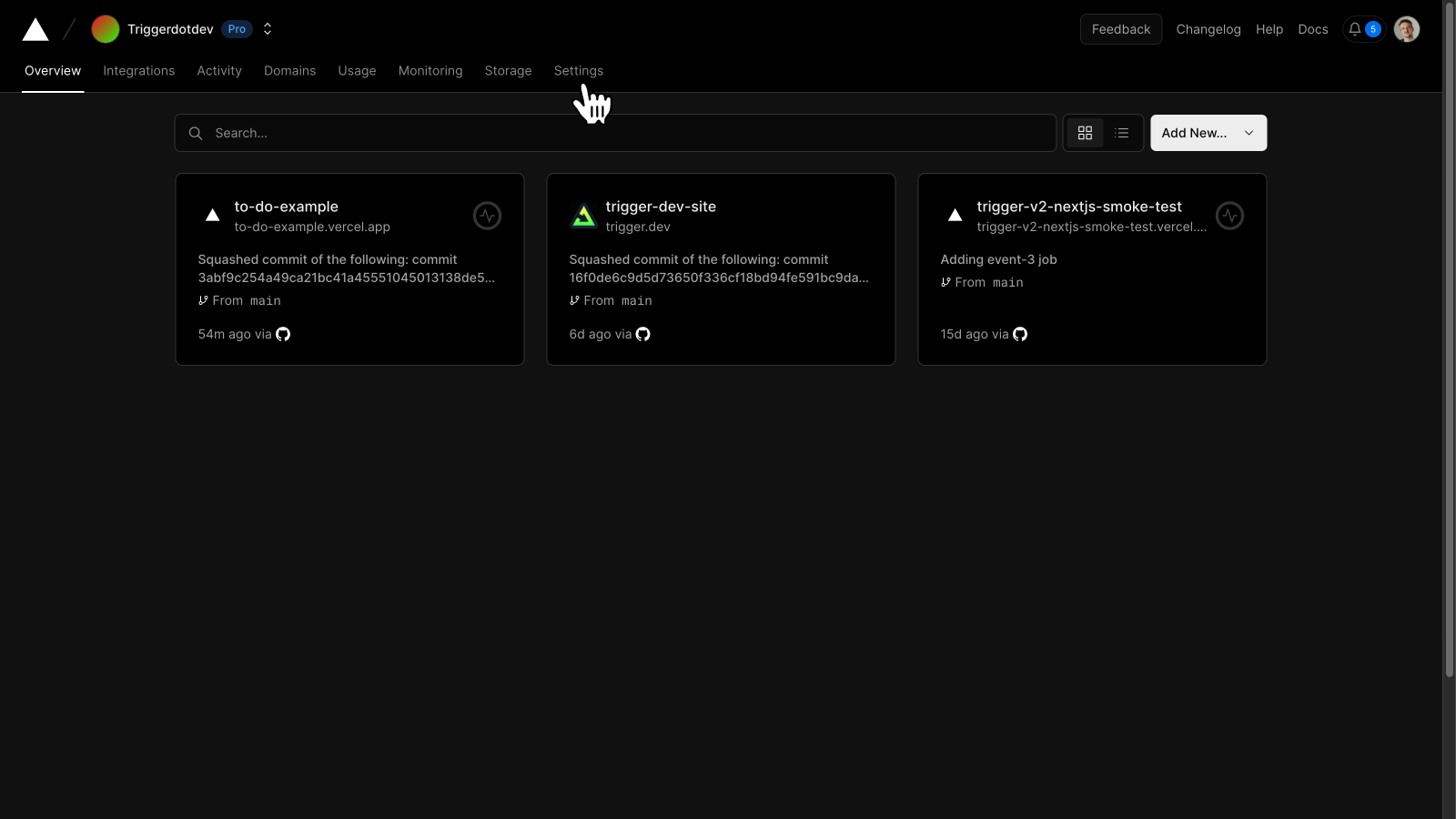
- Go to the “Webhooks” page
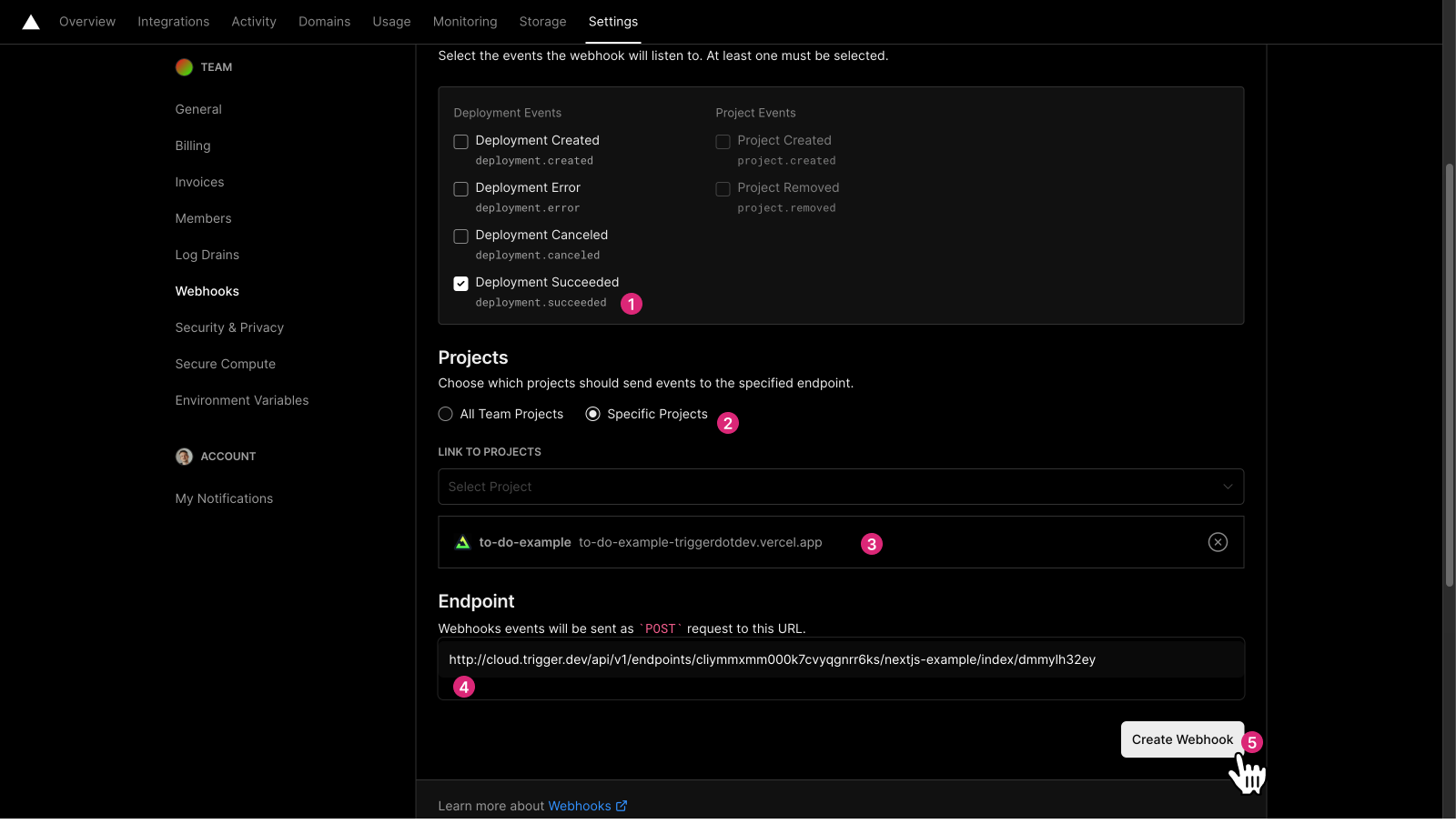
- Select the “Deployment Succeeded” event, your Vercel Project, and paste in our webhook URL. Then “Create Webhook”.
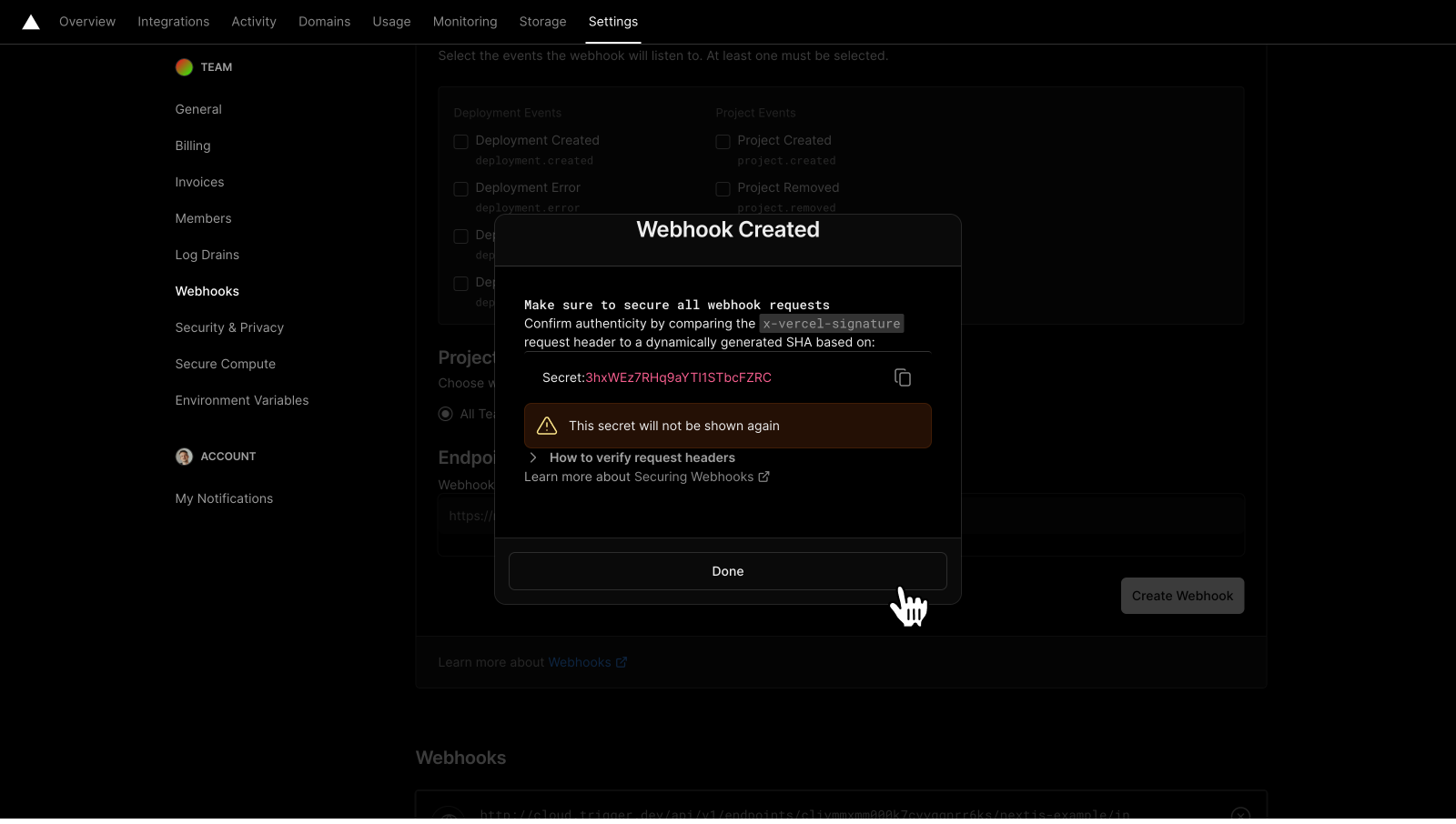
- You’re done! Whenever a deploy succeeds, Vercel will tell us to refresh your endpoint.
GitHub Actions
You can add a step to the GitHub Action that deploys your app..github/workflows/release.yml
TRIGGER_ENDPOINT_HOOK secret in your GitHub repo. Set it to the webhook URL from the endpoint panel.
Do an HTTP request yourself
AnyGET or POST request to the webhook URL will cause a refresh of the Jobs for that endpoint. POST requests don’t need a body. There is no authentication required.