

Requirements
- docker
- time
Set up your project
- Create a project dir and grab the latest
.envtemplate
- Generate secrets with
openssl rand -hex 16for the following variables:
.env (excerpt)
- Set
NODE_ENVto production:
.env (excerpt)
Create a Supabase DB
- No account yet? Click here to complete onboarding
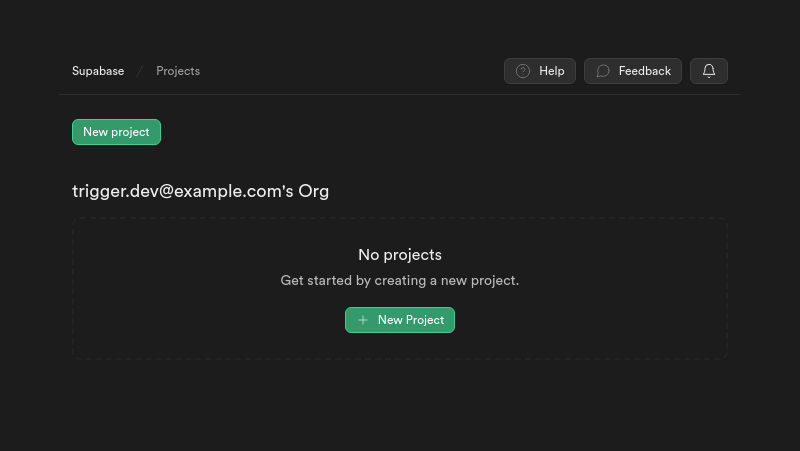
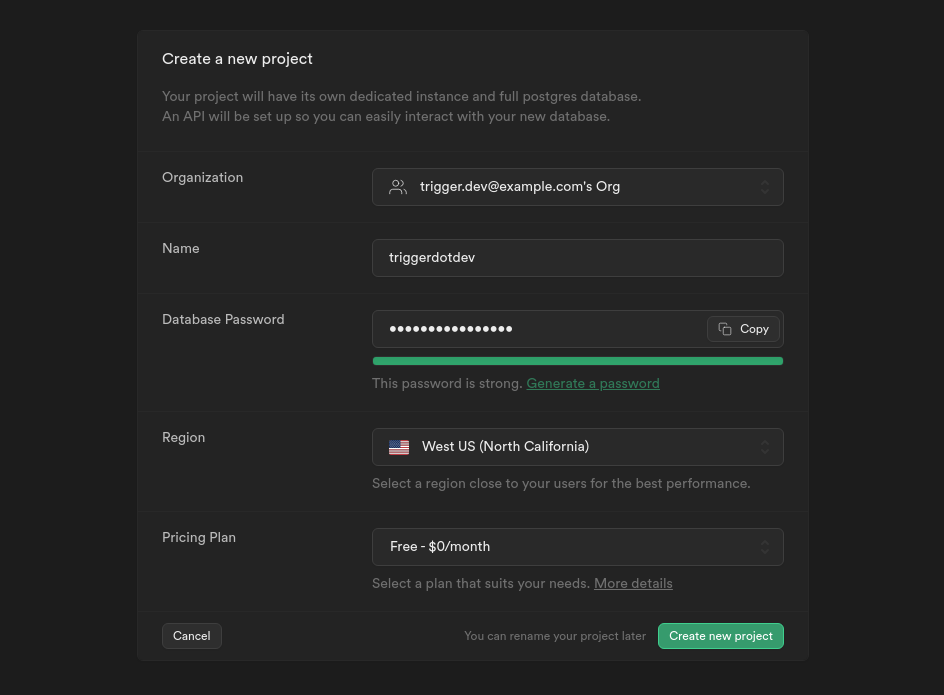
- Create a new project
- Make a note of your password, we’ll need it in a moment
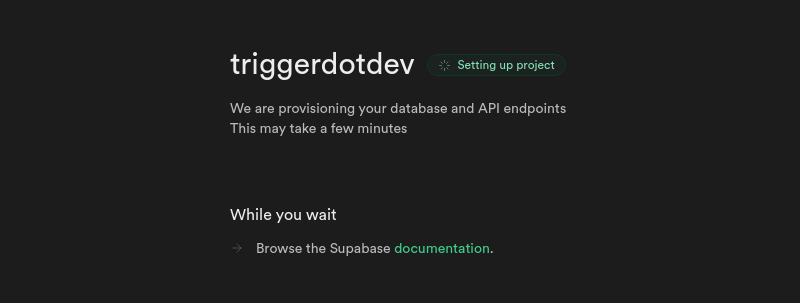
- Wait until your project has finished setting up
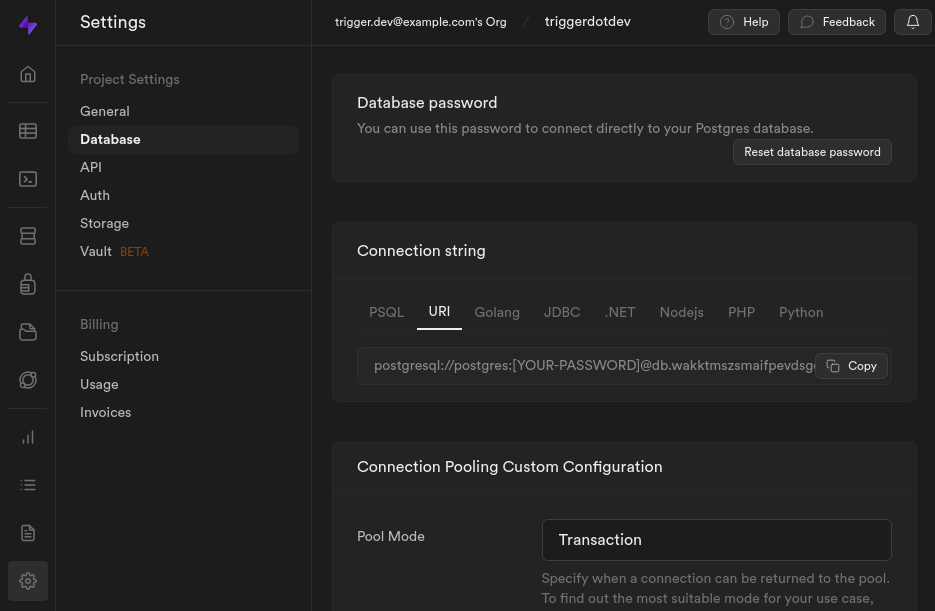
- Navigate to
Project Settings -> Databaseand copy your database connection string
- Paste it into your
.envfile, and append?schema=triggerdotdev
.env (excerpt)
- The complete file should look something like this now:
.env
Self-host Trigger.dev with docker compose
- Create a docker compose file in your project dir
docker-compose.yml
- Start your docker container
- Wait for the database setup to finish - this might take a while
- You should now be able to visit http://localhost:3030 and see this screen:
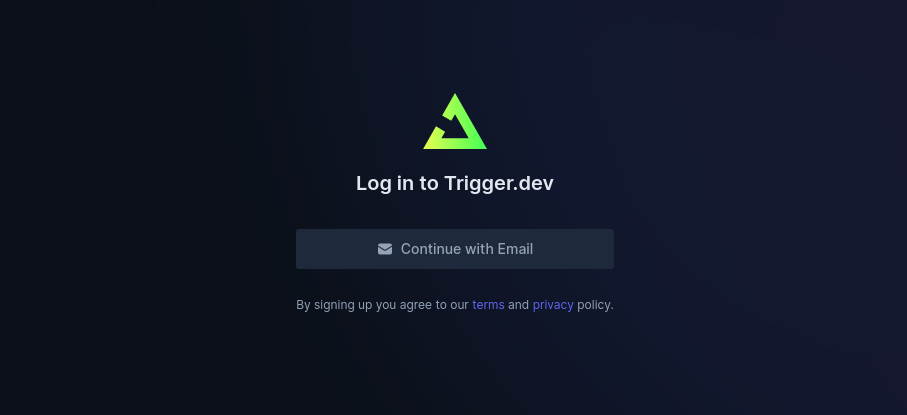
- Click “Continue with Email”, enter your email address and hit submit
- Grab the magic link from your terminal and proceed with account creation
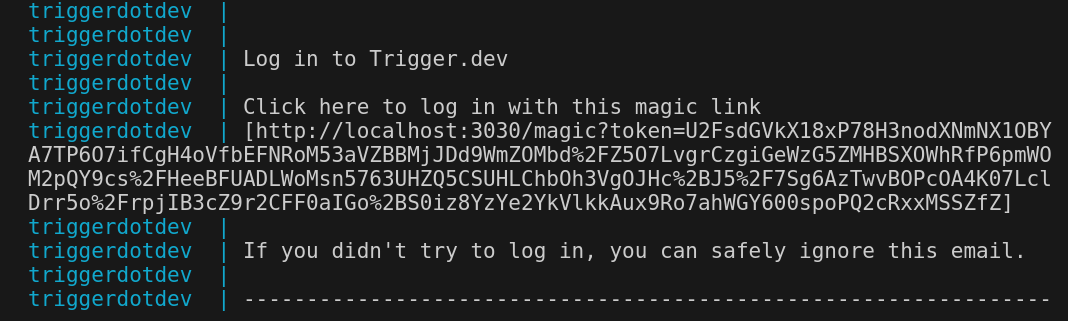
- If everything went well, the
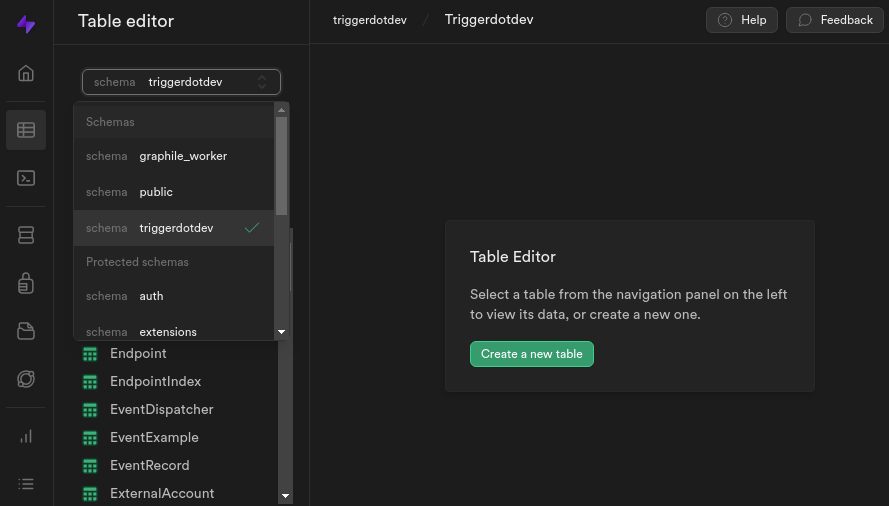
triggerdotdevandgraphile_workerschemas should now be populated. Check your Supabase DB dashboard to be sure:
- Congratulations, you’re all set up and ready to go with Supabase and Docker! 🚀
Bonus: Connection pooling
What is connection pooling?
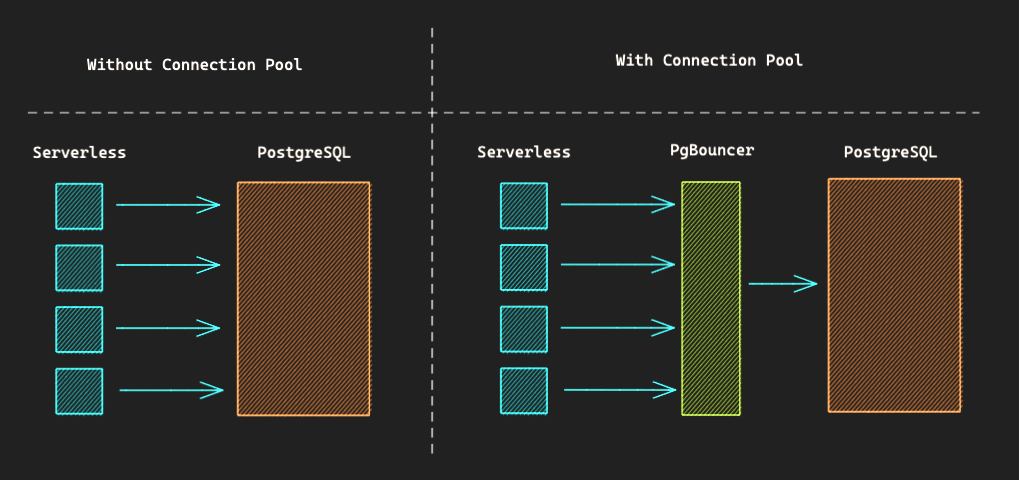
Connection Pool - © 2023 Supabase, Apache License 2.0
PostgreSQL has a default connection limit of 100.
Enable connection pooling
- Copy and paste the connection string from earlier to
DIRECT_URL
.env (excerpt)
- Navigate to
Project Settings -> Databaseand copy your connection pool URL
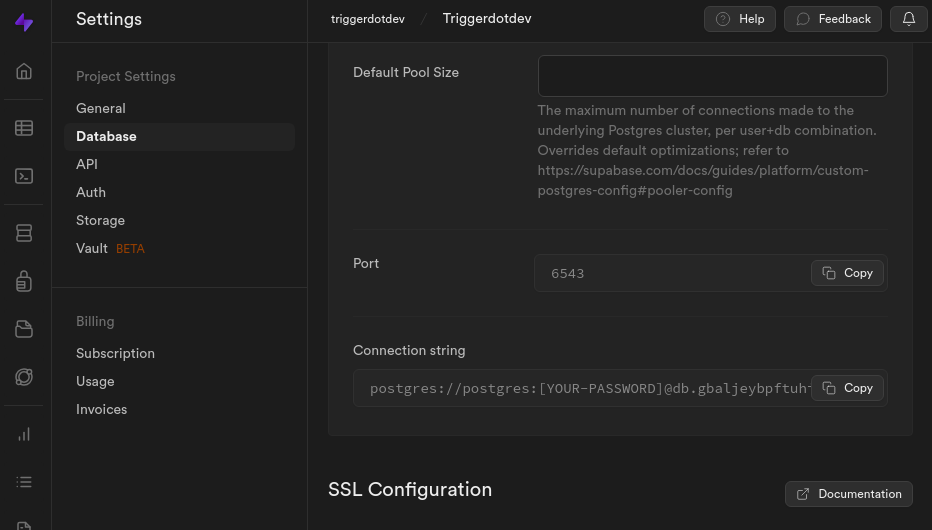
-
Paste it into your
.envfile next toDATABASE_URL -
Append
?schema=triggerdotdev&pgbouncer=trueand insert your password
.env (excerpt)
- All done! You can now enjoy the benefits of connection pooling ⚡️
Next steps
Bootstrap your Next.js project
Get started in 5 minutes.
Tunnel local traffic
Start digging with ngrok.